Monitoring Methods
There are 3 main ways your bot can monitor product restocks:
1. In-Bot Monitoring
- Bot refreshes product pages manually.
- Slower, uses more bandwidth.
- Risk of IP bans if not using proxies.
- Good as a backup, not ideal for primary monitoring.
2. Serverside Monitoring
- Automatically enabled for some sites
- Monitors SKUs on the backend – faster and more efficient.
- Saves bandwidth vs in-bot monitoring.
- Still recommended to run a backup in-bot task.
3. Websocket Monitoring
- Provided by cook groups (paid membership groups)
- Covers more sites (Amazon, Walmart, etc.).
- Fastest and most reliable.
- Essential for early checkout—combining this with serverside gives best results.
Proxies Overview
Proxies let your bot operate with multiple IPs, avoiding bans and increasing task success.
1. Residential Proxies
- Dynamic IPs; required for checkout tasks on most sites.
- Charged per GB of usage ($1–$10/GB).
- DO NOT use for monitoring—only for checkout. Using residential proxies for monitoring burns data quickly.
- Use multiple pools for best results with PKC.
Recommended Providers:
- Ashburn V2 Residential or Premium)
- these are the cheapest and most consistent from our testing and use similar pools like Stella
2. ISP Proxies (Static Datacenter)
- Fixed IPs with unlimited bandwidth.
- Monthly subscription (typically $1–$3/IP).
- Can be banned during checkout; mainly used for monitoring.
- Recommended Provider: Bart ISP (use code BART2026 for 50% off monthly renewals)
3. Shared Proxy Servers
- Cheapest option.
- High GB/month for very low cost.
- Use only for monitoring—not safe for checkout.
Recommended:
- Webshare Proxies – 100 proxies / 250GB for ~$4 USD/month. These are super cheap and effective for monitoring tasks
Best Combo:
- Ashburn V2 (Residential) for checkout
- Webshare (Shared DC) for monitoring
- Bart ISP for Pokemon Center/WM/Amazon
SUPER IMPORTANT – JOIN A COOK GROUP
Why Join:
- Discord access to websocket monitors and exclusive SKUs.
- Monitors channels available for Shopify stores and other retail sites. Heavy on TCG for Canada and USA.
- Lowkey flips, TCG, tickets, sneakers, and more! All the hype stuff that can be resold there are channels available
- Comes with extensions for faster manual/automatic checkouts
- TCG centering tool for grading purposes
- Saves bandwidth and gives early access to SKUs.
- Very quick pings for Pokemon Center/Amazon/Walmart and US, as well as early links to help you set up bots
- Costco intel for Pokemon in-store and online drops
- You cannot beat other users who get information to set up and optimize their bots from a cook group!
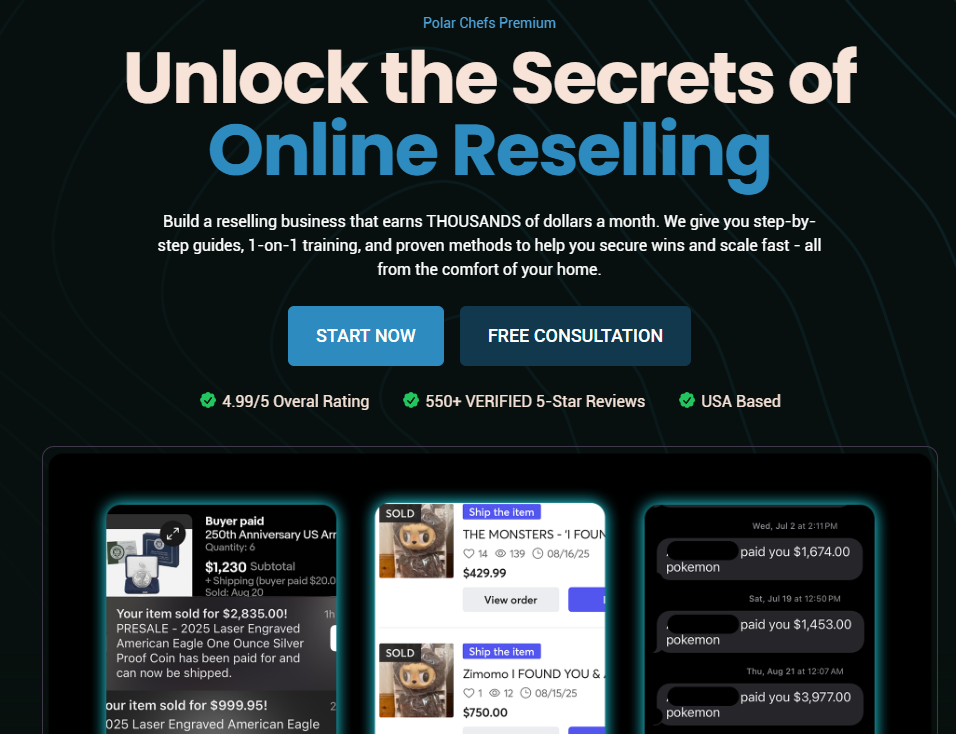
USA Cook Group Recommendation: Polar Chefs
Cost: $70 USD per month
Sign up by clicking here
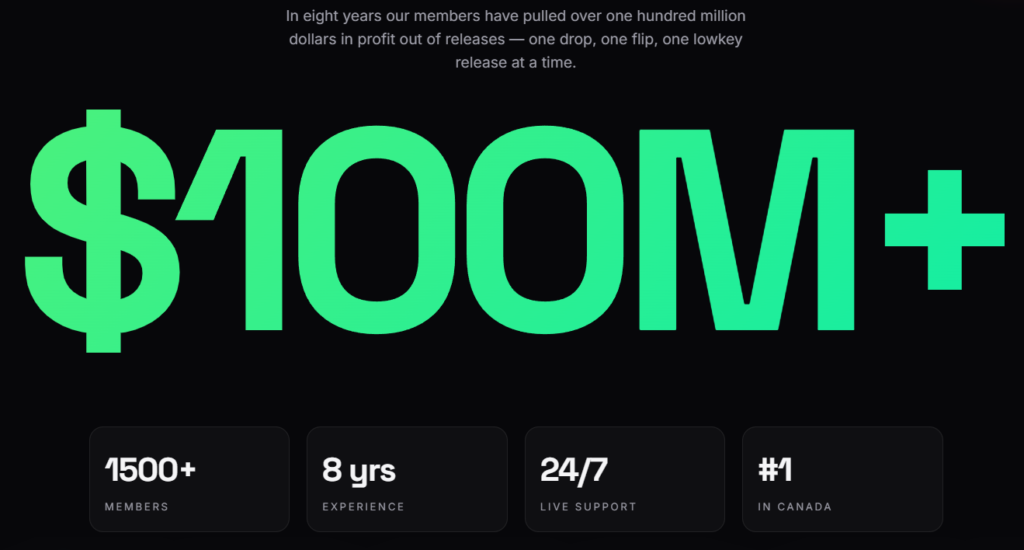
Canadian Cook Group Recommendation: The North Cop
Cost: ~$60 CAD per month
Sign up by clicking here, we will help get you through the waitlist!
Platform-Specific Notes
PKC (Pokémon Center)
- PKC bot module is only active during drops.
- You’ll need multiple profiles:
- Unique name, email, phone, CC, and proxies per profile.
- During drops, SKUs are posted in Discord – edit tasks and run immediately.
- Pokemon Center now uses a queue system, when the module is unlocked all the profiles are able to queue at the same time
- When using the queue, enter a placeholder SKU such as “1234asdf” until an item is confirmed to be dropping. The bot can edit SKUs and quantities until it attempts to add to cart the in-stock item
- cook groups and other monitor groups will provide SKUs as they are live
Amazon
- Recommended to set up “Request Mode” for Amazon identities – which enables the bot to use 2FA to login and bypasses the need to check emails for 2FA codes
- Always recommended to run monitor tasks even with serverside monitoring – local monitor tasks are your backup in case serverside goes down during a drop
Additional setup instructions/tips/tricks can be found on the Stellar guide: https://guides.stellaraio.com/